


Reconnect with someone
Start a guided request about a person from your past. Share thoughtfully and respect consent.
Keep the people, places and stories that matter close. Start a private request, explore practical articles and revisit your memories with MissToSee on Android.
Direct download from Misstosee.com. Not available on Google Play yet.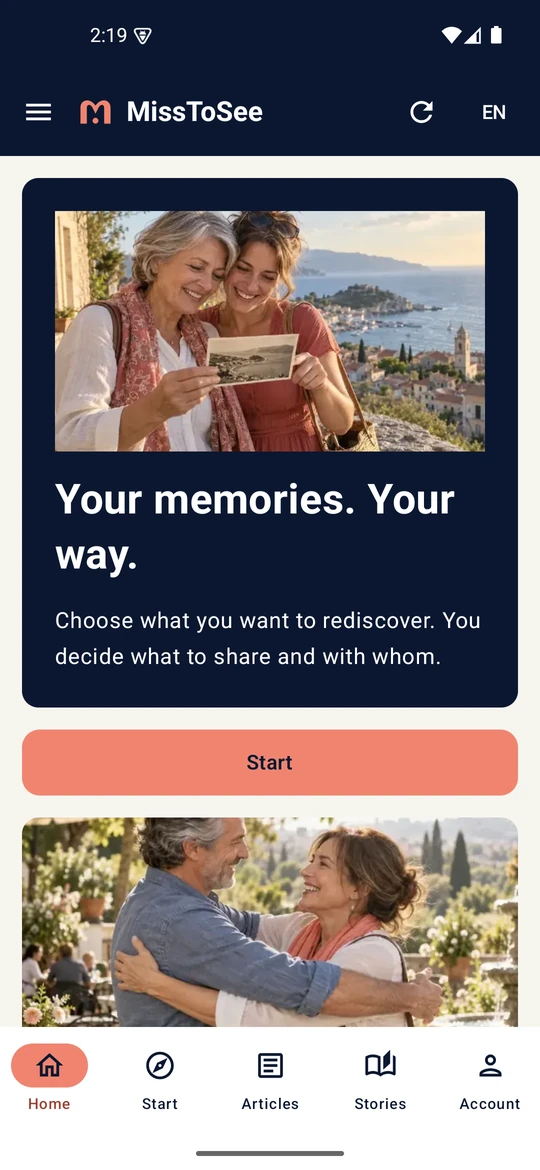
Eight actual screens from MissToSee 1.1.0, built with Kotlin and Jetpack Compose: services, articles, stories and your account. Arabic, English, French, Turkish and Russian are supported.
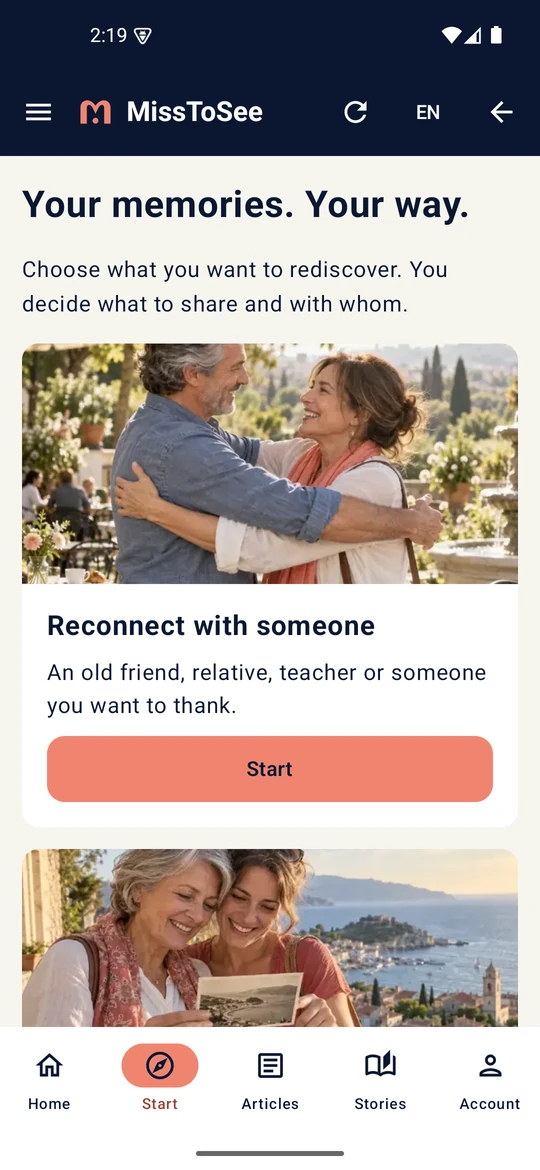
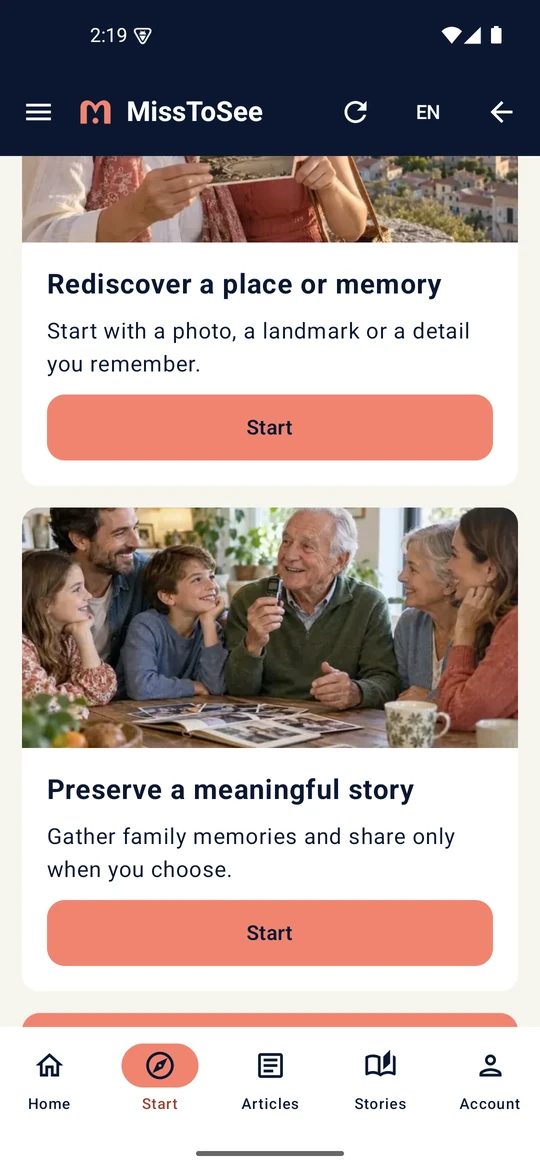
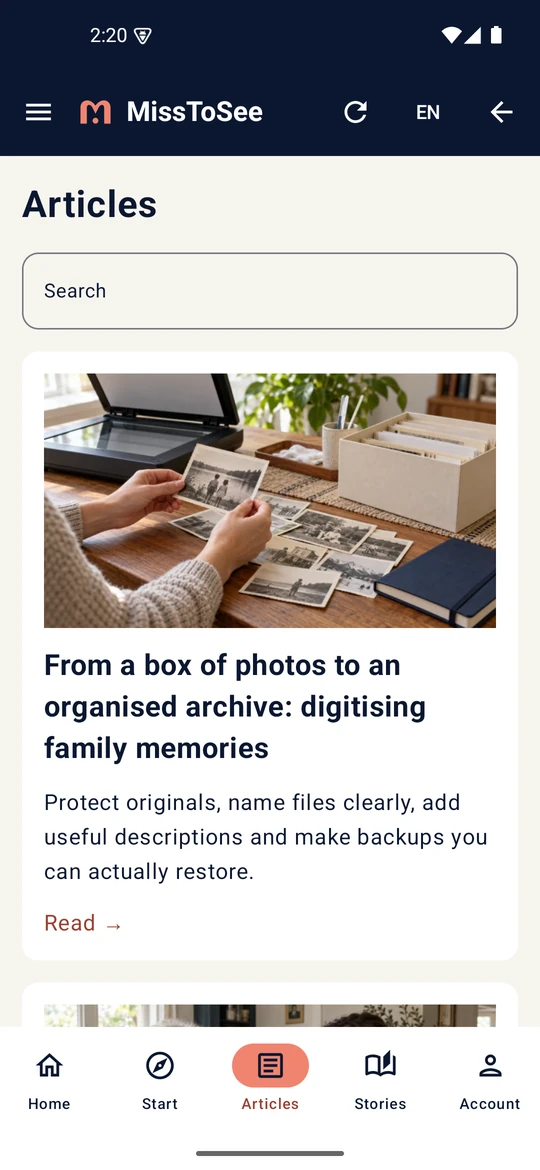
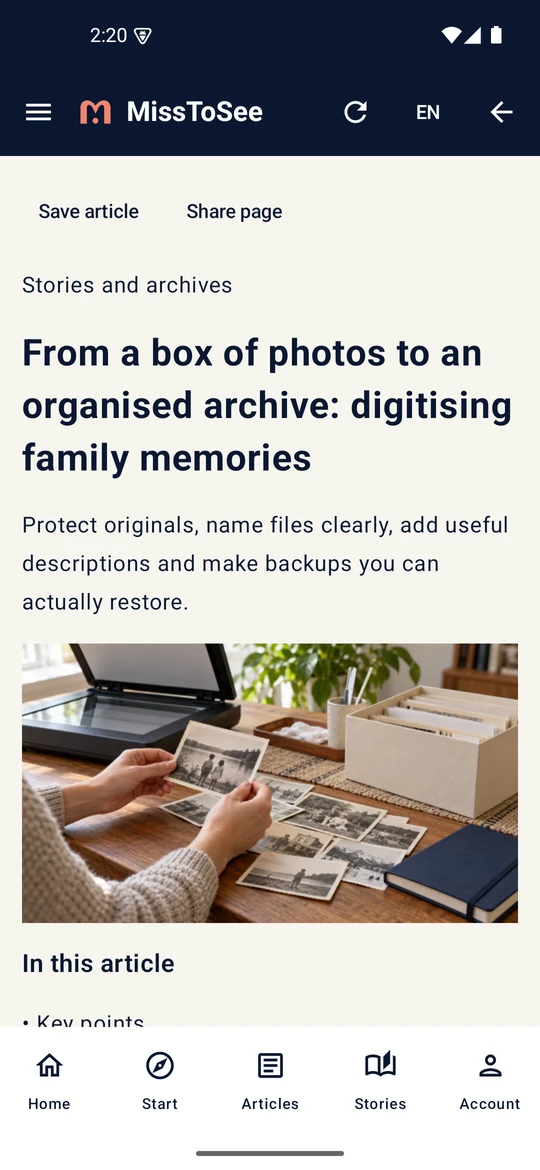
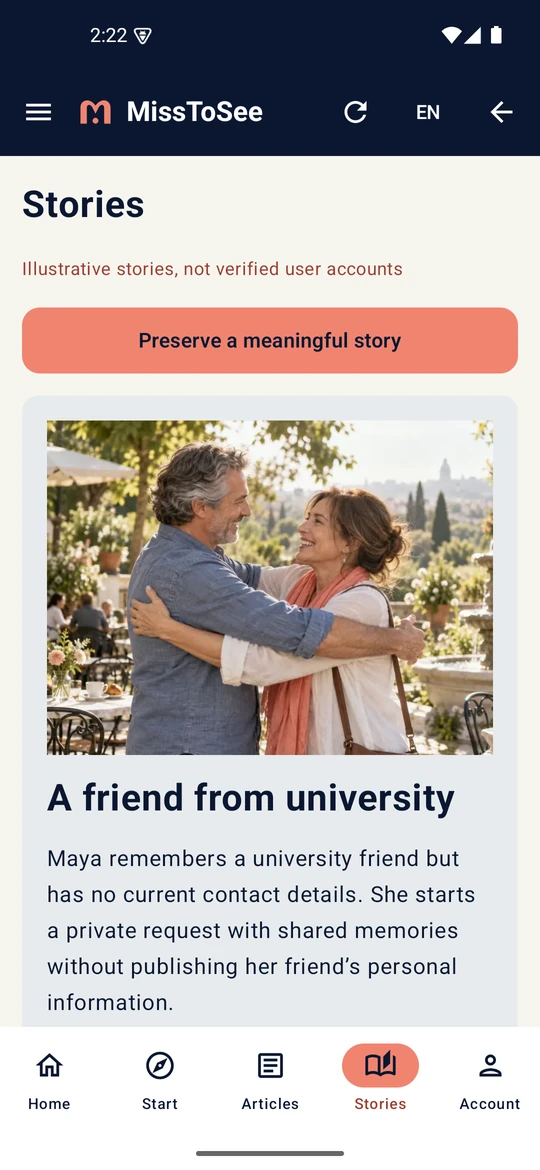
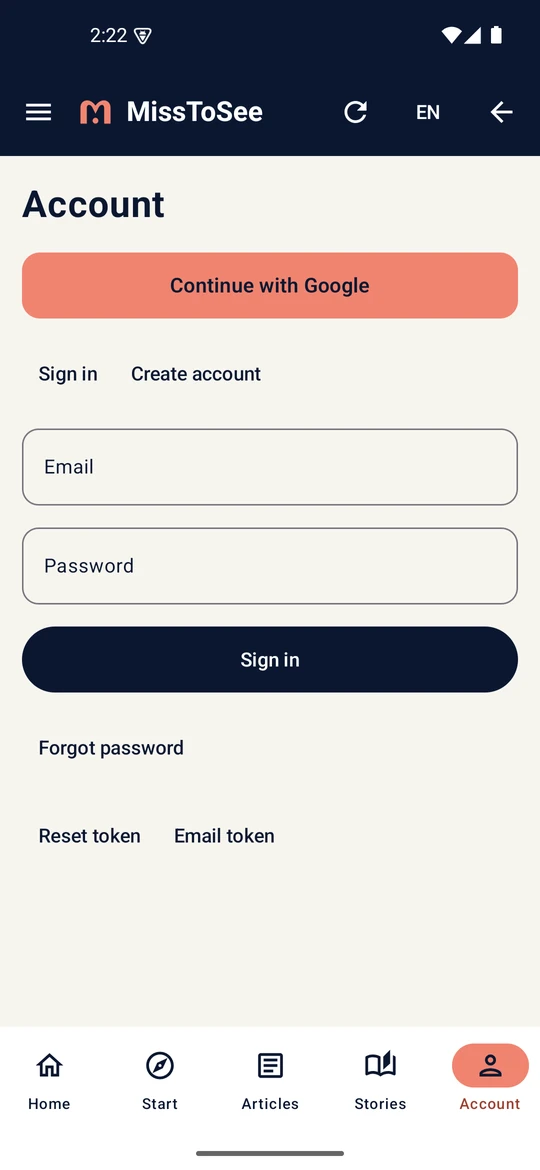
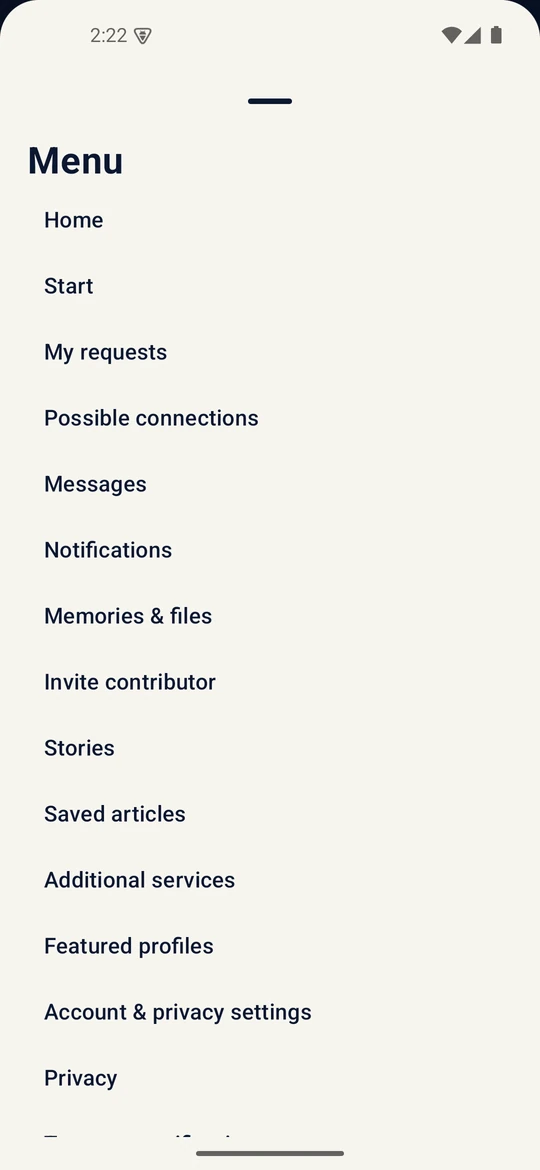
Start a guided request about a person from your past. Share thoughtfully and respect consent.
Follow the place journey to describe a location, photograph or memory you want to identify.
Keep a meaningful memory alive through the story journey and the stories section.
Explore articles, bookmark links and return to your account, requests and messages.
Save the signed APK using the button above.
Open the file. If Android asks, allow installation from this browser for this download only; you can switch this permission off afterwards. Keep Play Protect enabled.
Choose your language, explore the app and sign in when you want to manage your requests.
Yes. This is the signed MissToSee Android app, version 1.1.0 (build 2), downloaded directly from our website.
Accounts, requests, messages and files require Internet. The app includes public reading content as a connection-failure fallback, which may not include the latest website updates. Bookmarks store article identifiers; private messages and account files are not stored for offline use.
Android 8 or later. Arabic, English, French, Turkish and Russian; Arabic uses right-to-left navigation.
Use Support in the app or on the website. The privacy, terms and account deletion pages explain your choices.
7f755681a988a623eec8bbd9fc6a6390fa5619c88b0312f203c5219edf3e0a66