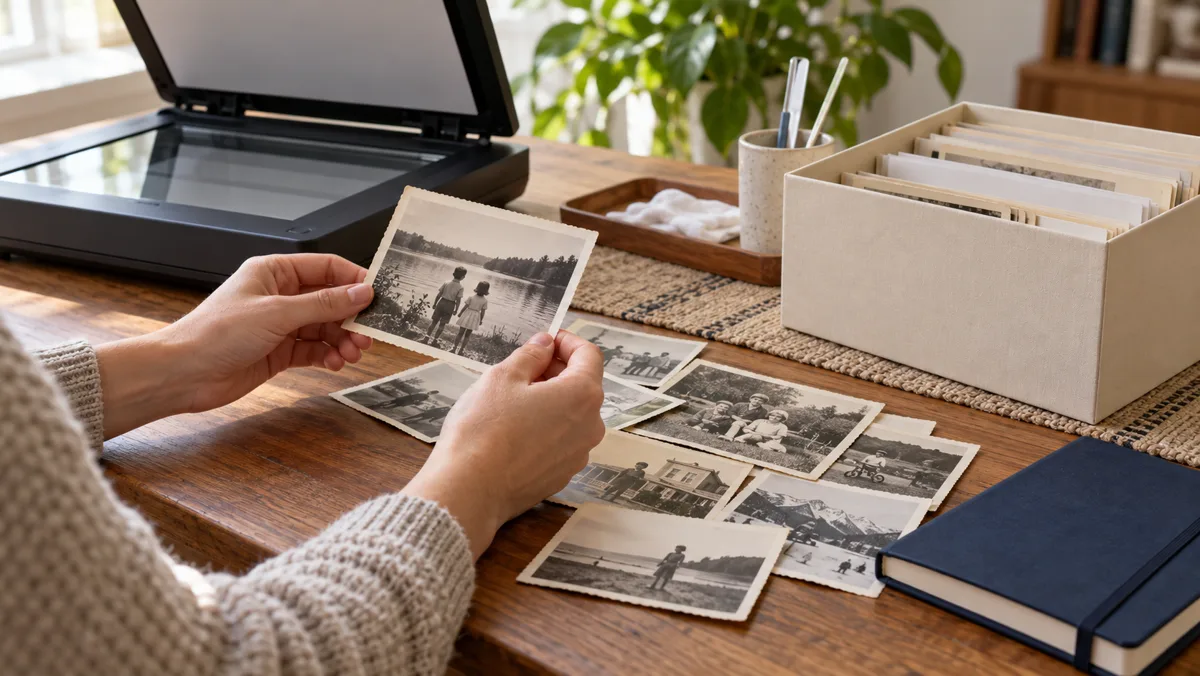
You do not need to digitise a whole family collection in one weekend. Begin with a small group of photographs and a repeatable routine. A digital copy becomes useful when someone can understand where it came from, what is known about it and where the original remains.
Prepare a small, safe batch
Work on a clean, dry surface and handle photographs gently. Avoid removing fragile items from albums or attempting repairs yourself. The National Archives' family-storage guidance explains preservation considerations; seek suitable expertise for damaged or unusual materials.
Make a clear copy
Use a scanner or a well-lit, steady camera setup appropriate to the original. Check focus, edges and readability before continuing. Official digitisation guidance helps plan copies. Photograph the reverse where it contains information, and keep a master before editing or cropping.
Name files consistently
Choose a short identifier and a simple sequence. Do not put guessed dates into filenames as confirmed facts. Keep a small index linking each file to its physical source, the person who supplied it and any known restrictions.
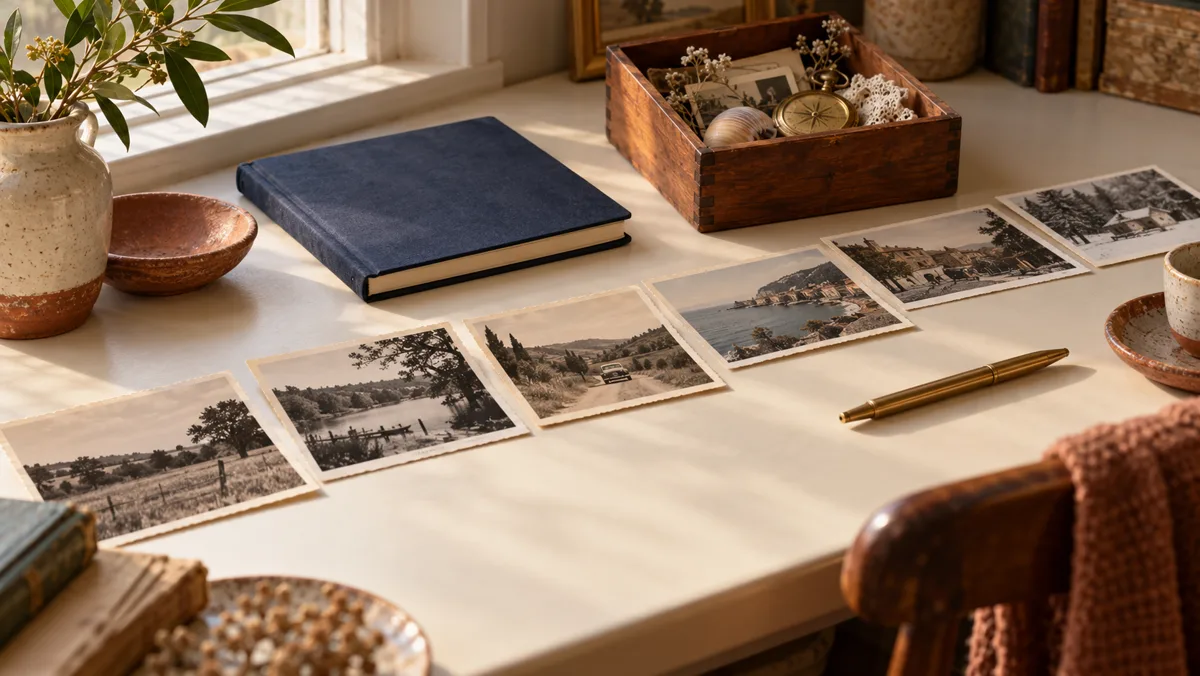
The idea in 24 seconds
Original silent video with Arabic text. An English summary is available below; optional English subtitles can be enabled in the player's caption menu.
Read the video summary in English
- Protect the original — Prepare a clean, safe surface.
- Make a clear copy — Check focus and edges.
- Describe the source — Label facts and uncertainty.
- Test a backup — Make sure files can be restored.
Describe what is known
Add an approximate date, general place, source and the basis for identification. Mark unknown people as unknown rather than guessing. Location clues can be investigated separately. Ask before sharing photographs of other people, particularly private family material.
Test your backup
Keep more than one copy in separate suitable locations and check that files open. A cloud folder is not a complete plan if no one knows how to access it. Keep account recovery instructions secure, and preserve originals according to storage guidance even after digitisation.
A minimal archive index
| Field | Record | Avoid |
|---|---|---|
| Identifier | A stable file reference | Changing names repeatedly |
| Date | Known or approximate period | Unlabelled guesses |
| Source | Album, owner and original location | Losing the link to the original |
Before you start: a checklist
- Start with a small batch.
- Keep an untouched master.
- Record the source.
- Label uncertainty.
- Open a file from the backup.
Questions and answers
Is a phone camera enough?
It can be useful for some items if the copy is steady, clear and complete. Check the result and suitability for the original.
Should I discard the prints?
No. A digital copy does not replace the value or preservation needs of the original.
Can I improve colours?
Keep an unedited master and label edited versions so later readers understand the difference.
Is one online copy a backup?
Avoid relying on one location. Plan separate copies and periodically test that you can retrieve them.
Sources and further reading
These primary sources support specific points or offer further reading. Examples and templates are original editorial material, not quotations from these institutions.
- US National Archives — Digitising family archives
Source in English
- US National Archives — Storing family archives
Source in English
- Library of Congress — Preserving family stories
Source in English
Editorial material prepared with digital assistance. Images are illustrative, including digitally generated scenes; they are not documented tracing cases, testimonials or geographic evidence. The video is an original summary with no third-party footage.